
8.2 KiB

Aves


Aves is a gallery and metadata explorer app. It is built for Android, with Flutter.
Mio
run con
fvm flutter run -t lib/main_play.dart --flavor play
se vuoi salvare tutto l'output in un file e cmq vederlo
fvm flutter run -t lib/main_play.dart --flavor play 2>&1 | tee output.log
i files nuovi sono
lib/remote
├── auth_client.dart
├── remote_client.dart
├── remote_models.dart
├── remote_repository.dart
├── remote_test_page.dart
├── run_remote_sync.dart
└── url_utils.dart
e questo modificato
lib/widgets/home/home_page.dart
salvare il DB
adb exec-out run-as deckers.thibault.aves.debug cat /data/data/deckers.thibault.aves.debug/databases/metadata.db > metadata.db
verifica che il db sia quello giusto
ci devono essere entry address metadata album
sqlite3 metadata.db ".tables"
address           dateTaken         favourites        vaults
android_metadata  dynamicAlbums     metadata          videoPlayback
covers            entry             trash
verifica delke colonne, i campi
sqlite3 metadata.db "PRAGMA table_info(entry);"
risposta
0|id|INTEGER|0||1
1|contentId|INTEGER|0||0
2|uri|TEXT|0||0
3|path|TEXT|0||0
4|sourceMimeType|TEXT|0||0
5|width|INTEGER|0||0
6|height|INTEGER|0||0
7|sourceRotationDegrees|INTEGER|0||0
8|sizeBytes|INTEGER|0||0
9|title|TEXT|0||0
10|dateAddedSecs|INTEGER|0|strftime('%s','now')|0
11|dateModifiedMillis|INTEGER|0||0
12|sourceDateTakenMillis|INTEGER|0||0
13|durationMillis|INTEGER|0||0
14|trashed|INTEGER|0|0|0
15|origin|INTEGER|0|0|0
16|provider|TEXT|0||0
17|remoteId|TEXT|0||0
18|remotePath|TEXT|0||0
19|remoteThumb1|TEXT|0||0
20|remoteThumb2|TEXT|0||0
21|latitude|REAL|0||0
22|longitude|REAL|0||0
23|altitude|REAL|0||0
Verifica 1 — Quante foto remote sono state salvate
sqlite3 metadata.db "SELECT COUNT(*) FROM entry WHERE origin=1;"
99
Verifica 2 — Controllare che le foto remote abbiano GPS e path corretti
sqlite3 metadata.db "
SELECT id, title, remoteId, remotePath, latitude, longitude, altitude
FROM entry
WHERE origin=1
LIMIT 20;
"
risposta
6974|IMG_0123.JPG|d9fb0263ed0bc9945d2d6fde3822377d63ed7a62df20e2a1339d77a058b0e5a0|photos/Fabio/original/2017Irlanda19-29ago/IMG_0123.JPG|53.3419416666667|-6.28671666666667|23.6626344086022
6975|IMG_0124.JPG|a48db6ef8efee410190ff59bcb223fece468837d0c39bb408cce911213e5e36c|photos/Fabio/original/2017Irlanda19-29ago/IMG_0124.JPG|53.341975|-6.28675277777778|23.8189509306261
cartelle possibili
sqlite3 metadata.db "SELECT remotePath FROM entry WHERE origin=1;" \
  | awk -F'/' '{$NF=""; sub(/\/$/,""); print}' \
  | sort -u
risposta
photos Fabio original 2017Irlanda19-29ago
controlla se ci sono tabelke album
sqlite3 metadata.db "
SELECT name FROM sqlite_master
WHERE type='table' AND name LIKE '%album%';
"
risposta
dynamicAlbums
controlla negli albums
sqlite3 metadata.db "SELECT * FROM dynamicAlbums LIMIT 20;"
Features
Aves can handle all sorts of images and videos, including your typical JPEGs and MP4s, but also more exotic things like multi-page TIFFs, SVGs, old AVIs and more!
It scans your media collection to identify motion photos, panoramas (aka photo spheres), 360° videos, as well as GeoTIFF files.
Navigation and search is an important part of Aves. The goal is for users to easily flow from albums to photos to tags to maps, etc.
Aves integrates with Android (including Android TV) with features such as widgets, app shortcuts, screen saver and global search handling. It also works as a media viewer and picker.
Screenshots
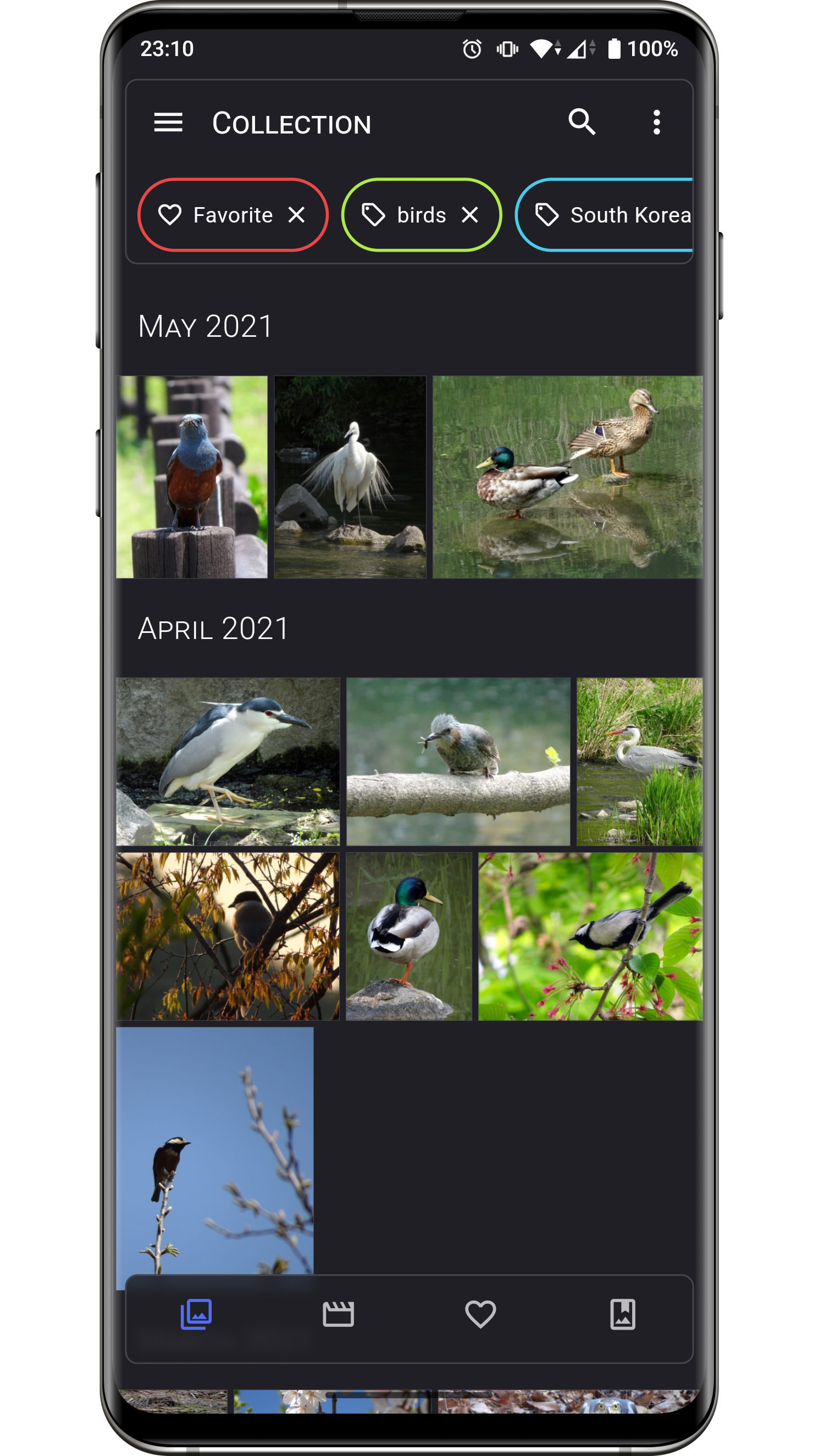

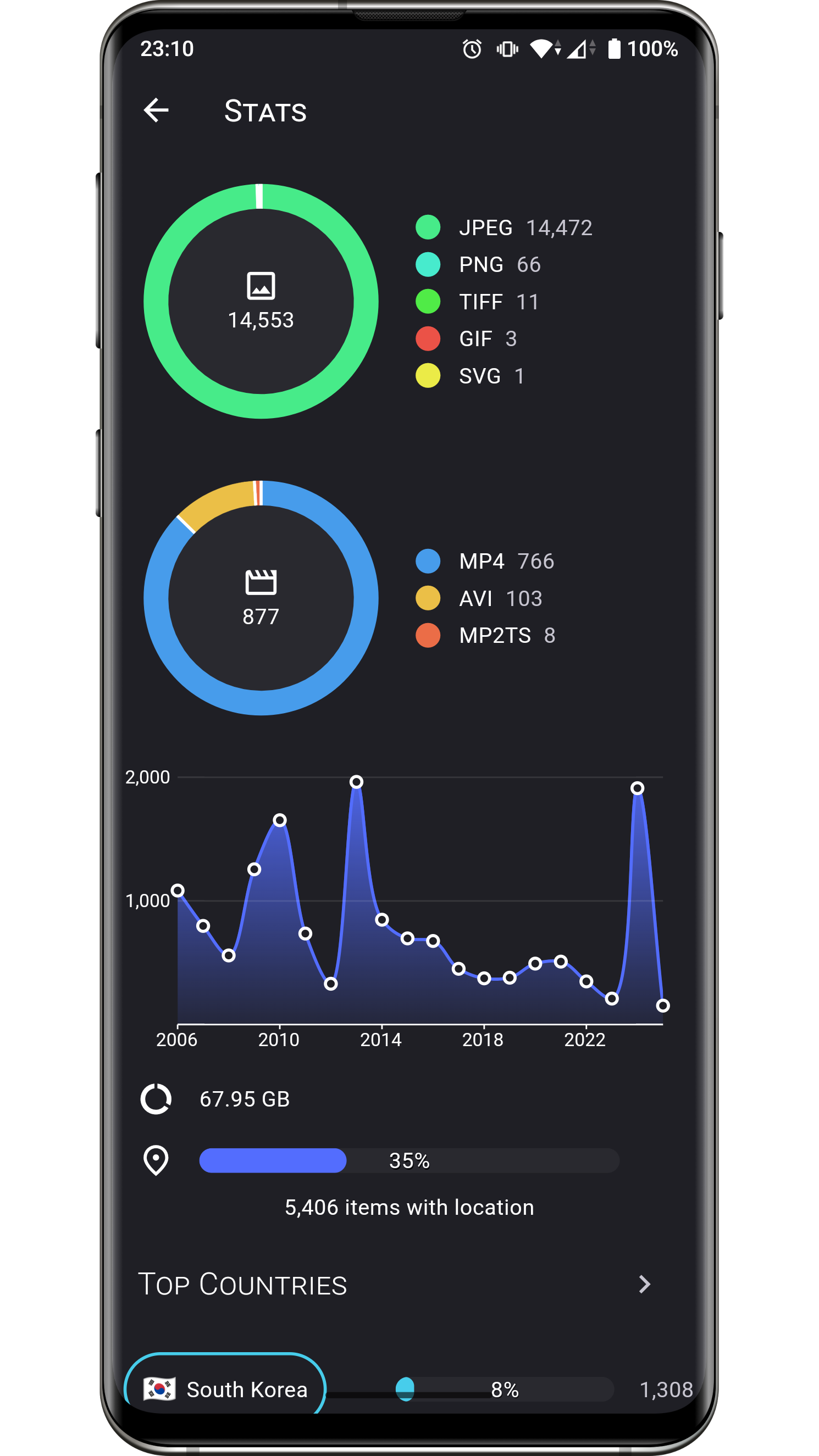


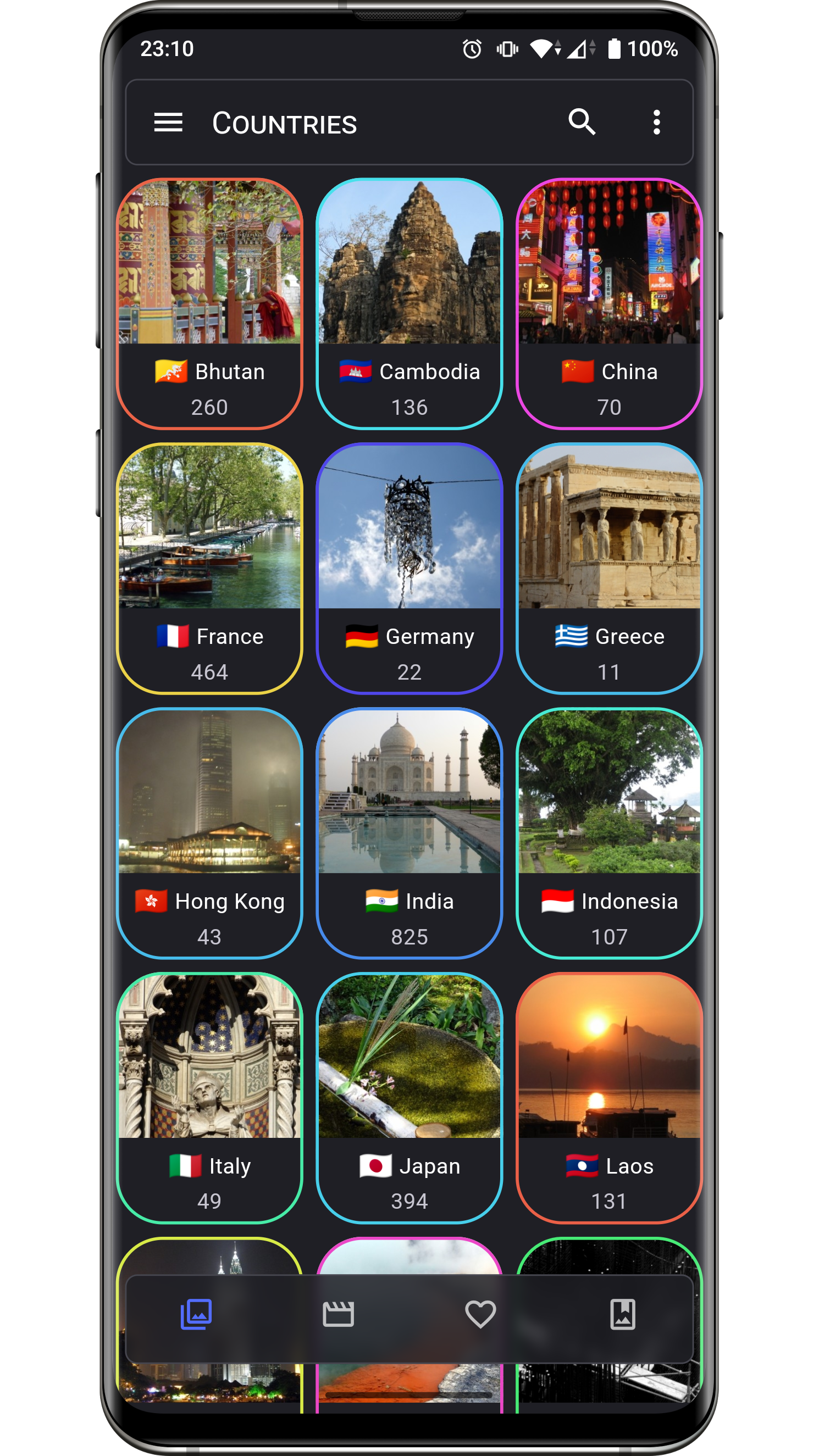
Changelog
The list of changes for past and future releases is available here.
Permissions
Aves requires a few permissions to do its job:
- read contents of shared storage: the app only accesses media files, and modifying them requires explicit access grants from the user,
- read locations from media collection: necessary to display the media coordinates, and to group them by country (via reverse geocoding),
- have network access: necessary for the map view, and most likely for precise reverse geocoding too,
- view network connections: checking for connection states allows Aves to gracefully degrade features that depend on internet.
Contributing
Issues
Bug reports and feature requests are welcome, but read the guidelines first. If you have questions, check out the discussions.
Code
At this stage this project does not accept PRs.
Translations
Translations are powered by Weblate and the effort of wonderfully generous volunteers.
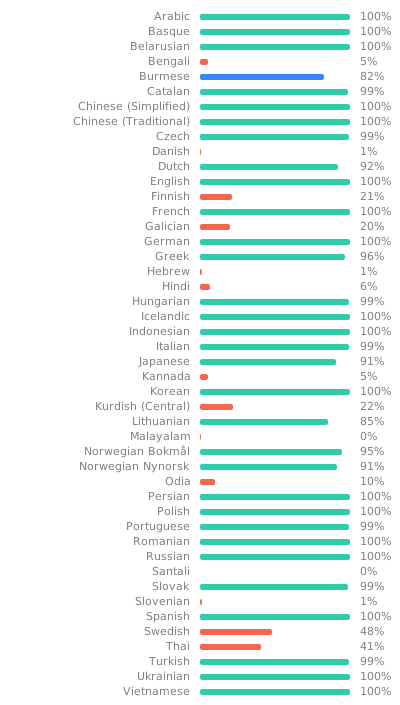
If you want to translate this app in your language and share the result, there is a guide.
Donations
Some users have expressed the wish to financially support the project. Thanks! ❤️


Project Setup
Before running or building the app, update the dependencies for the desired flavor:
# scripts/apply_flavor_play.sh
To build the project, create a file named <app dir>/android/key.properties. It should contain a reference to a keystore for app signing, and other necessary credentials. See key_template.properties for the expected keys.
To run the app:
# ./flutterw run -t lib/main_play.dart --flavor play